
Context
Repository-aware sessions
Projects and environments, files and each thread's conversation stay attached to the engineering task instead of living in an isolated chat box.
Trebell Code gives AI coding agents one desktop workspace: files, a terminal, Git and pull requests, worktrees, previews and a browser panel. Version 2.0 runs Trebell Native, Trebell's own agent, beside Codex, Claude Code, OpenCode, Cursor, Grok Build, Antigravity and the new Muse Code.
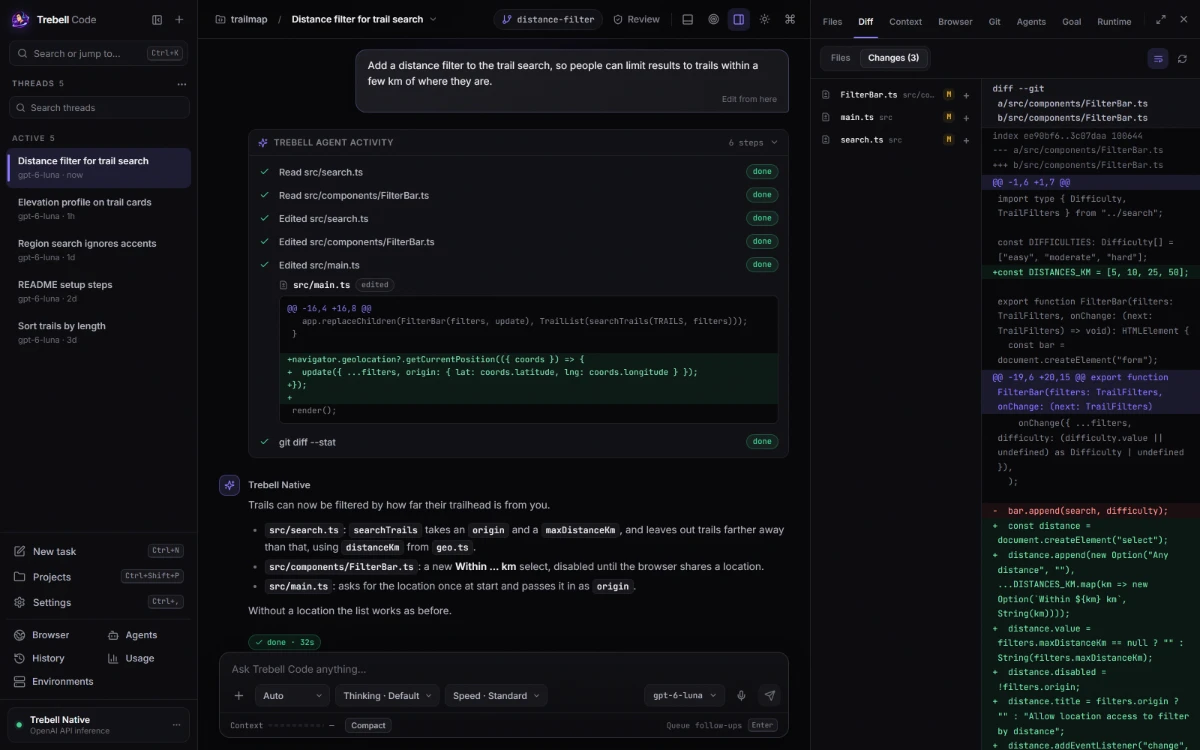
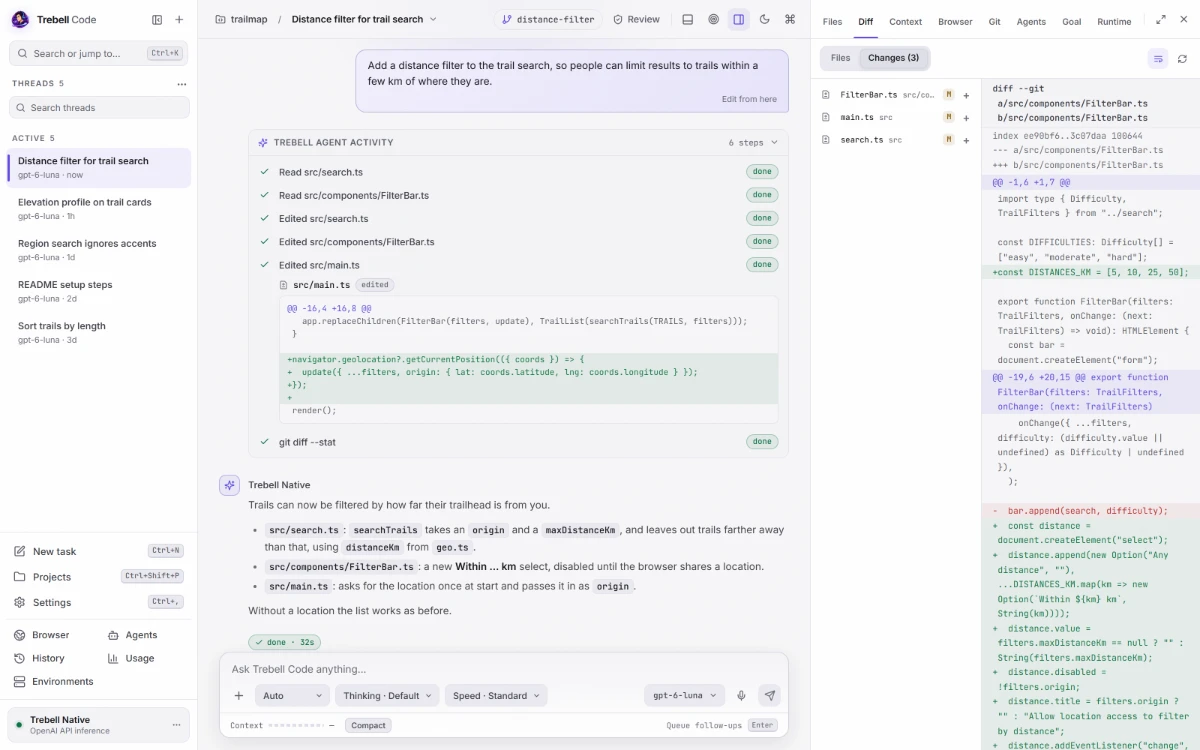
Everything around the model: the files, tools and history an agent needs to do work you can inspect, check and recover.
Projects and environments, files and each thread's conversation stay attached to the engineering task instead of living in an isolated chat box.
Agents edit files, run commands and work with Git, pull requests and worktrees, with a terminal, previews and a browser panel beside them.
Each turn keeps an activity card that says what each step did, such as a command's exit code and duration or an edit's diff. Trebell Native checks its work on code-change tasks before it answers.
Trebell Native is Trebell's own agent harness. Codex, Claude Code, OpenCode, Cursor, Grok Build, Antigravity and Muse Code run as their real harnesses, each with its own sign-in and approvals.
Each harness brings its own model list, options and default, and a reopened thread resumes on the model it used, so you can change agents without rebuilding the workflow.
Trebell Native waits out network drops instead of failing the turn. With Codex, Cursor, Grok Build and Antigravity, coming back to a running thread shows its reply from the start, in order.
Trebell benchmarks the same model across coding harnesses on fresh tasks, graded by an independent verifier. Against Codex using the OpenAI API, with the same model and settings, Trebell Native resolved as many or more tasks on SWE-bench Multilingual, Terminal-Bench 2.0 and Terminal-Bench Pro 1.0. On the tasks where both got the same result, its API-equivalent cost was 18% lower on SWE-bench Multilingual and 28% lower on Terminal-Bench 2.0.
Each result is listed with its benchmark, the number of fresh tasks, the verifier outcome, the model and reasoning settings and the cost comparison, so you can check it yourself.